Enable aimbot, then bind a custom aim key
Turn the module on in the menu. Leave it off until the key is bound or you will steal mouse input from charged strikes. Use a side mouse button or a thumb key you do not already use for hook, skill (F), or ultimate (V).
Hold-to-aim is the safer default. Toggle-on-toggle-off is easy to forget in a 1v1 and will drag the camera through a blue focus. Keep parry on both attack buttons so the aim key never sits on left or right click.
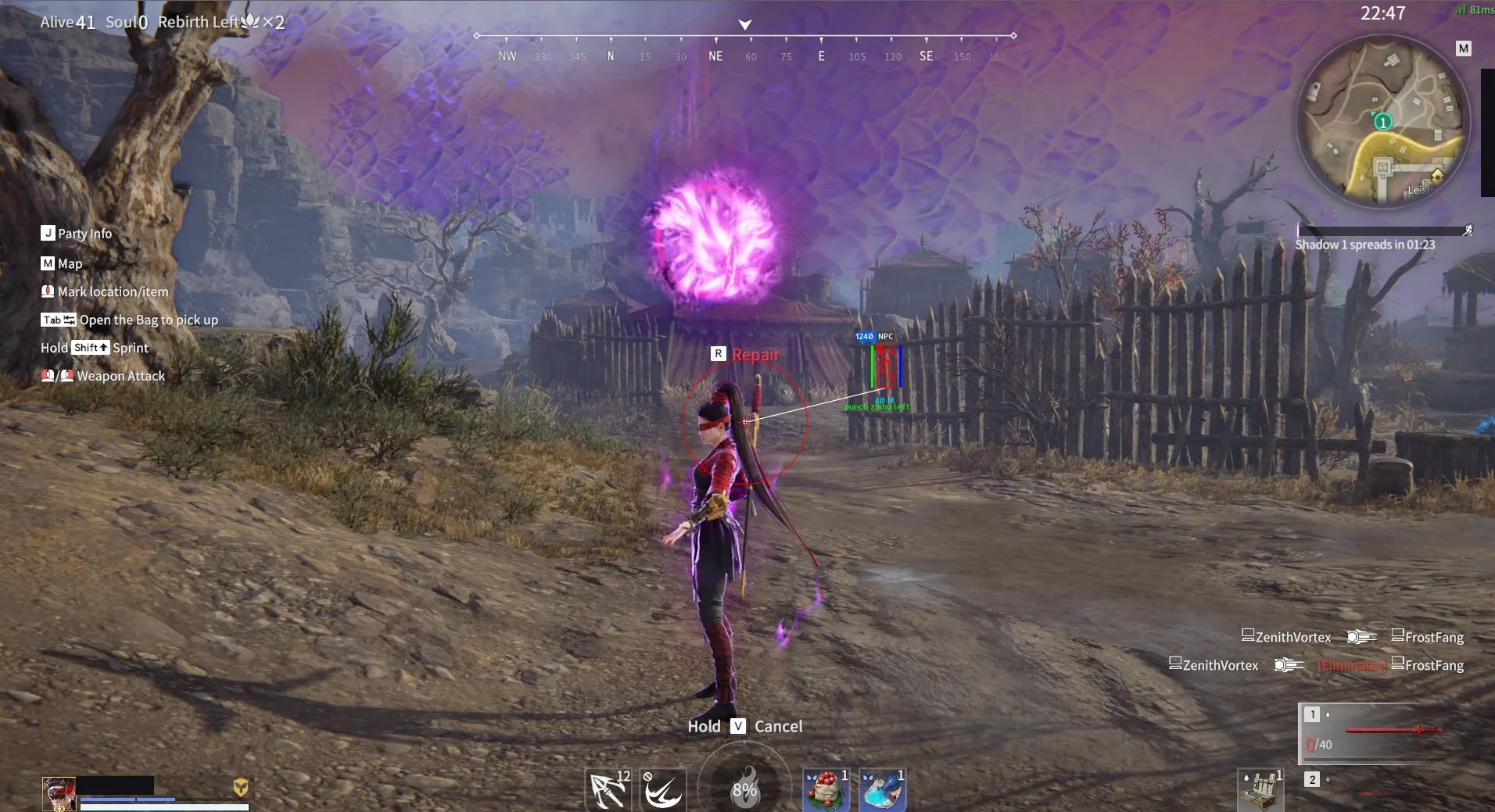
Player boxes and names still help you pick a target. Pair this with player ESP overlays so you are not locking an empty rooftop.
Smoothness for human-like tracking
High smoothness eases the cursor onto the bone. Low smoothness snaps. Naraka punishes snaps because blue and gold flashes need a readable camera. Start mid-high and drop it only if hooks lose the target.
Katana vertical strings and dual-blade juggles want more smoothness than a musket tap. If the camera yanks when two squads clash, raise smoothness before you raise FOV.
Customizable FOV and Draw FOV
FOV is the circle that can acquire a target. A huge circle will grab a third party mid-combo. Start small, then open it a little for hook chases. Draw FOV paints that circle on screen so you can see the active zone instead of guessing.
Leave Draw FOV on for ten casual matches. If the circle covers half the screen, shrink it. Turn the draw off in ranked once the size feels right so the overlay stays clean.
Aim bone and target line
Bones: head, neck, stomach. Head is fine for bow and musket. Neck or stomach holds through katana and spear verticals when the head leaves the frame. Switch bone with the weapon, not once per season.
Target line draws a line to the locked player. Use it when two heroes overlap after a hook. Turn it off in tight 1v1s if it hides the gold flash. auto parry is a separate misc toggle — do not bind it to the same key as aim.
For loot while you rotate, item ESP filters gold melee and Souljades. The full package on Windows PC is naraka bladepoint hacks.
FAQ
How do I enable a naraka bladepoint aimbot? Toggle the module on, bind a custom hold key that is not click or hook, then set smoothness and a small FOV. Confirm Draw FOV shows a tight circle before ranked.
Why does it feel worse than in a shooter? This game is parry and charged melee. Zero smoothness and max FOV yank you off blue focus. Raise smoothness and shrink the circle.
Which aim bone should I use? Head for ranged. Neck or stomach for katana, dual blades, and spear strings. Change it when you swap weapons.
What does the target line do? It points at the current lock so you can tell who you have in a pile. Turn it off if it hides combat flashes.
Does aimbot include ESP? No. Aimbot is the lock. Box, health, names, and loot are ESP modules in the same license. See Features if a menu is missing either half.